PCB & Electronics
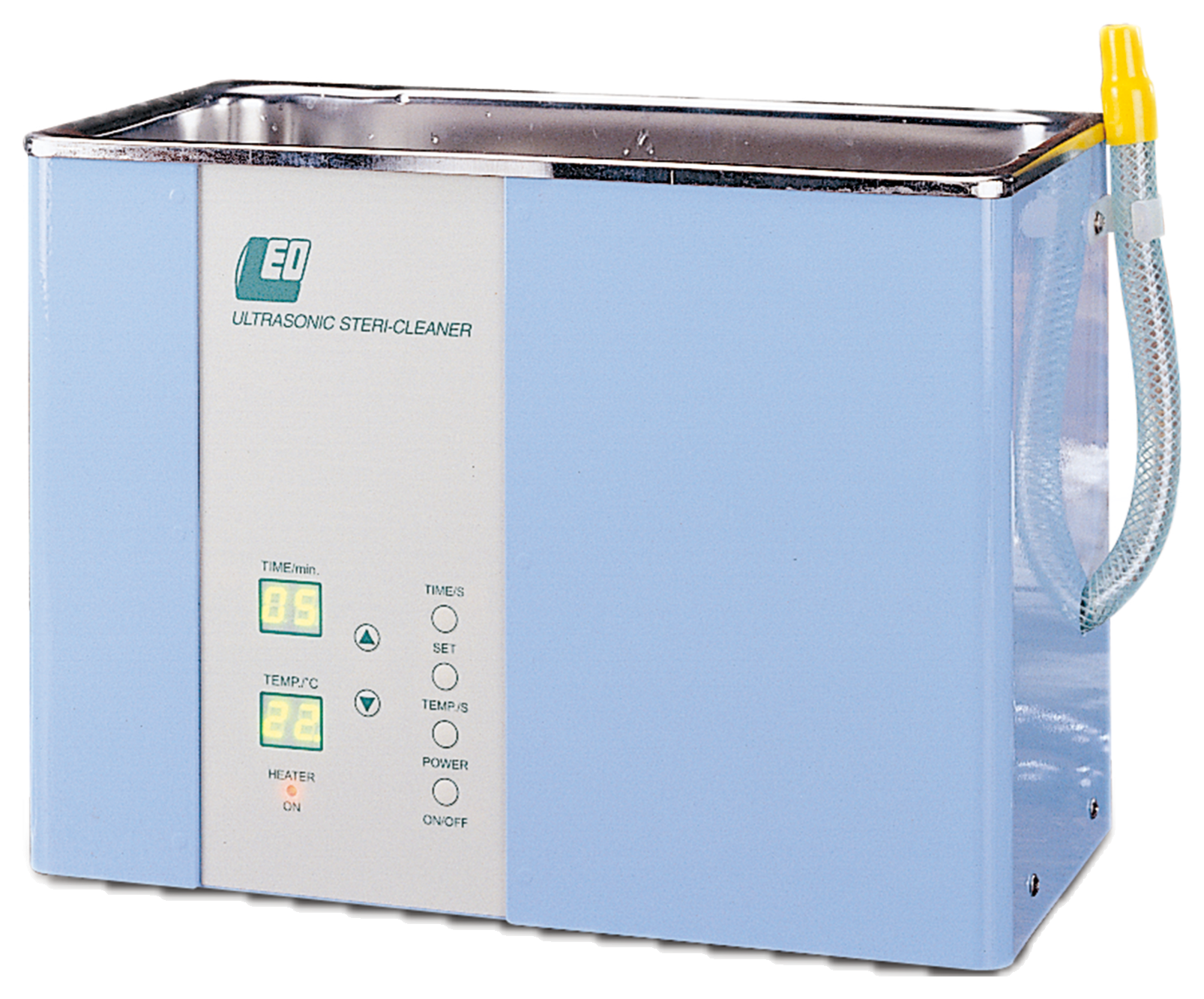
Digital ultrasonic cleaning machine
- Industry
- PCB & Electronics
Challenge
- STEP 3: Set the time
Press TIME/S to start setting the cleaning time, use the up and down buttons to increase or decrease it, then press SET when you are done.
Solution
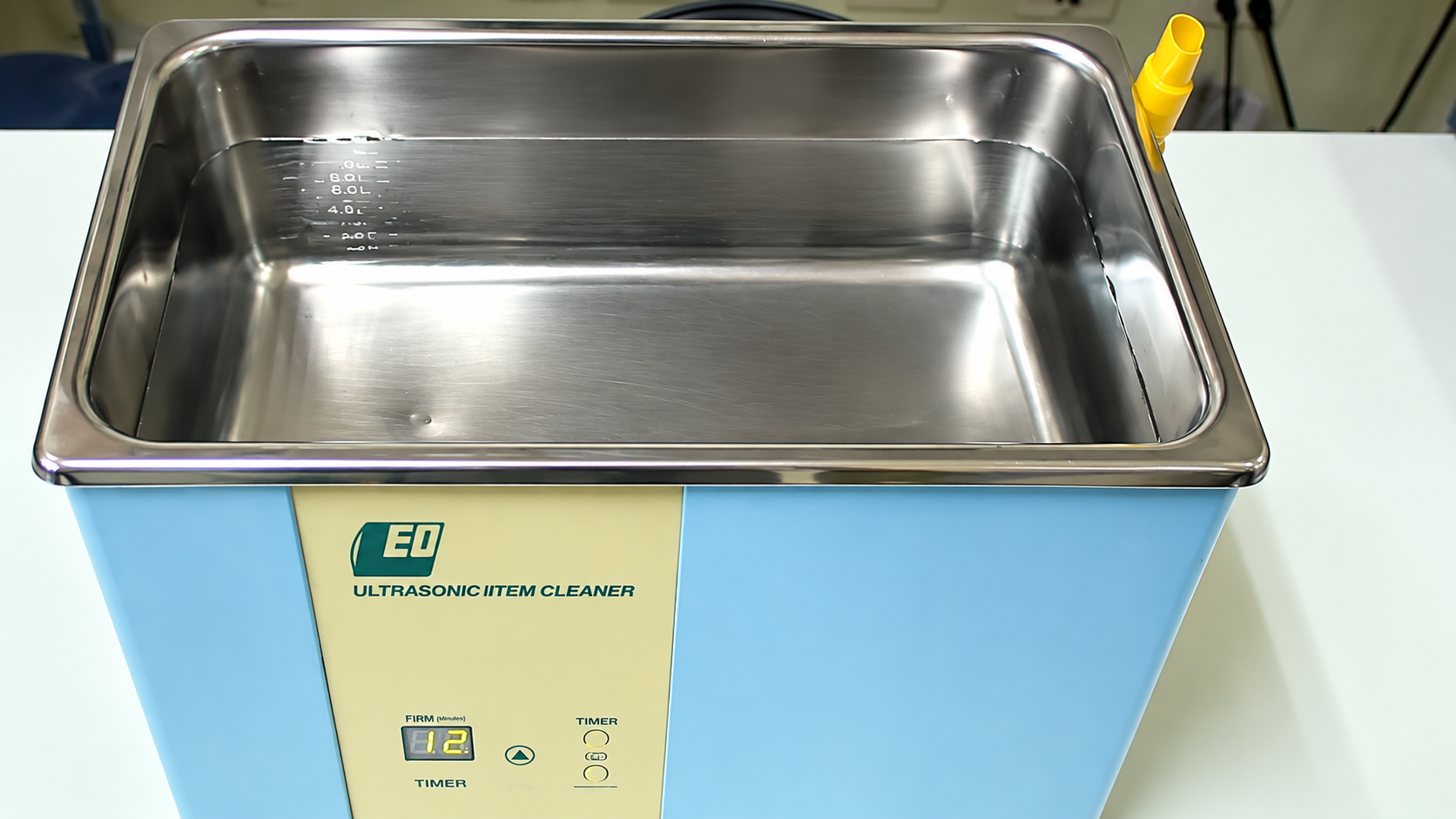
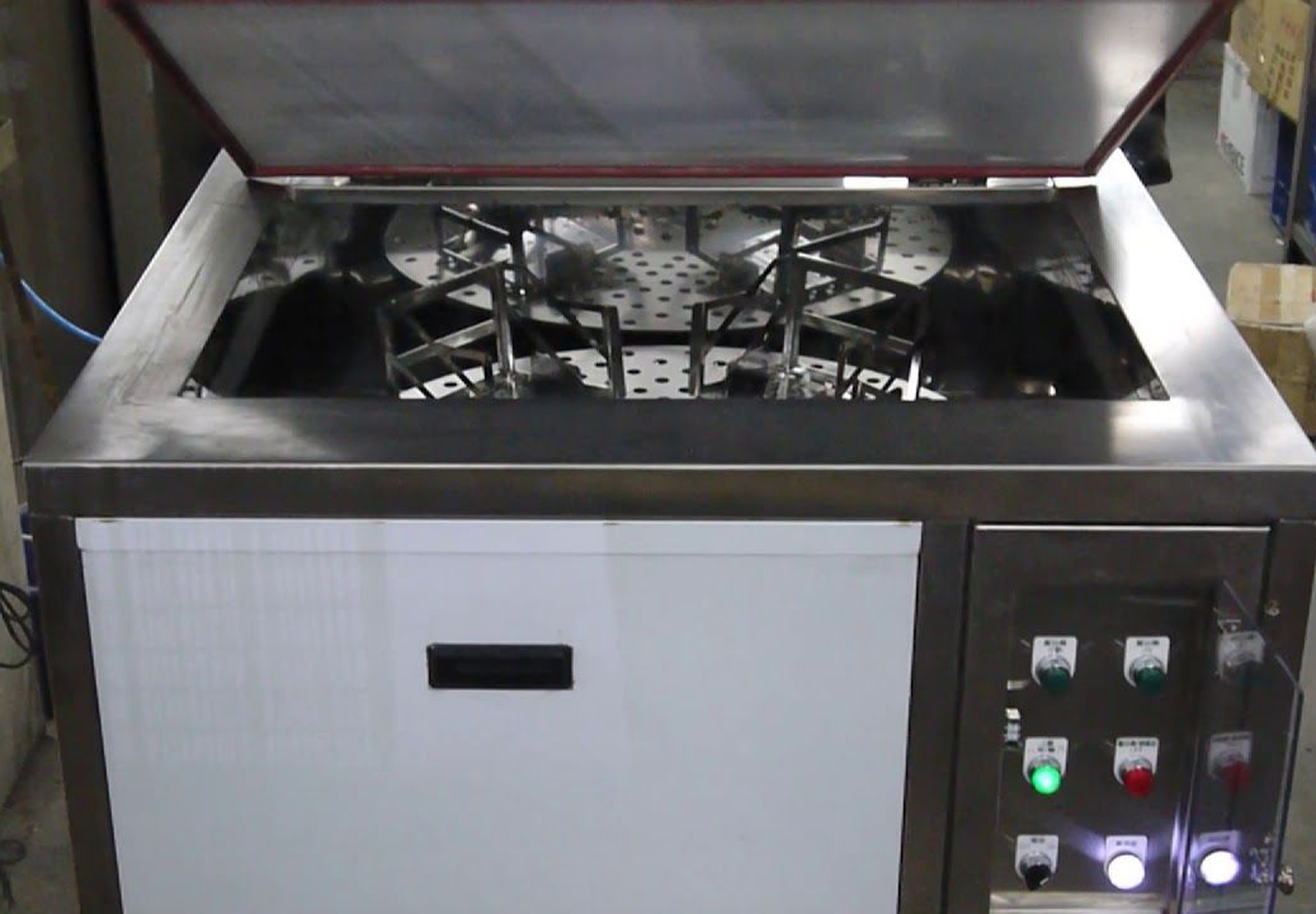
This video shows how to operate the LEO-1502 series digital ultrasonic cleaner and what the cleaning cycle looks like.
Setting up the LEO-1502 series digital ultrasonic cleaner
- STEP 1: Fill with cleaning solution
Fill the tank to roughly 70–80 % with cleaning solution; the parts must be fully immersed.
- STEP 2: Press the on/off switch
Press the power switch to start the unit.
- STEP 3: Set the time
Press TIME/S to start setting the cleaning time, use the up and down buttons to increase or decrease it, then press SET when you are done.
- STEP 4: Set the temperature
Press TEMP/S to start setting the cleaning temperature, adjust it with the up and down buttons, then press SET when you are done.
- STEP 5: Load the parts
Place the parts in the tank, or lower them in on a fixture, then press POWER to start.
Where the LEO-1502 series is used
Eyeglasses, watches and clocks, jewellery, technical drawing pens, fine metal parts, glass products, high-precision electronic components, optical instruments, photographic equipment, dental and ophthalmic instruments, and advanced laboratories.
If anything about the operation is still unclear after watching the video, please get in touch.
Buy the LEO-1502 series
Equipment
Equipment used
More case studies
Request a Quote
Tell us what you need cleaned
Send us the part, the contaminant and your cycle time. Our engineers size the tank, the frequency and the process chain — and reply with a sized specification for your line.